Designing the tools that turn user-approved job matches into submitted applications.
Bandana applies to approved jobs on behalf of their users, and every application is filled out and submitted by one of about 100 contractors. They work in one of two lanes: Completing XML or Posting applications.
| XML applications | Posting applications | |
|---|---|---|
| Where jobs come from | Paid feeds from job advertising providers | Employer career sites and applicant tracking systems |
| Revenue | Paid per application or click | Unpaid |
| Avg Completion Time | ~10 min | ~2 min |
| Contractor pay | Hourly | Per application |
Operators are the Bandana employees who run the contractor team. They decide who works which lane, enforce each job provider’s rules and budget caps, and check that the work actually gets done. Two operators handled all of it by hand:
- Handing out work: reassigning approved matches 25 at a time whenever a contractor asked for more in Slack
- Passing along rules: announcing provider rules, like required click counts or an employer not to apply to, in Slack as they changed
- Verifying work: checking each contractor’s screenshots and tallying their hours from Slack threads into a spreadsheet
- Tracking expired jobs: re-checking them several times a day, since most reopen later
Operator time grew with every match, and Bandana aimed to roughly triple its volume. The result was slower turnaround, jobs expiring before anyone applied, a higher cost per XML application, and no reliable way to tell which applications went through.
XML Jobs
$10/hr, ~8–10 min each
Look up the provider’s city/state in internal, then set up an IP Royale proxy matched to that location. Add a new IP, toggle on “High-end pool”, and open a new incognito tab.
Confirm the IP is in the right location using IP Royale’s online IP lookup tool.
Then, use David’s plugin to check the strength of the IP, whether the IP is “clean” (e.g. hasn’t been used for the same provider in the same week), and your internet speed.
Apply manually. Contractors use ChatGPT to help answer open-ended questions. If necessary, use proxy email for verification codes (additional ~2–6 mins)
Screenshot the completed application and post it with the IP number to the contractor’s personal Slack thread.
Mark “Applied” in the internal tool.
Disconnect and delete the saved IP and close the incognito window.
Posting Jobs
$0.25/app, ~2–3 min each
Go to Bandana’s internal tool.
While logged into Bandana.com, use the Sync and Apply extension to auto-fill (or manually fill out, depending on the provider). The extension provides the application info.
Screenshot the completed application and post to the contractor’s personal Slack thread with the applicant’s username + applied company.
Mark “Applied” in the internal tool.
What I learned
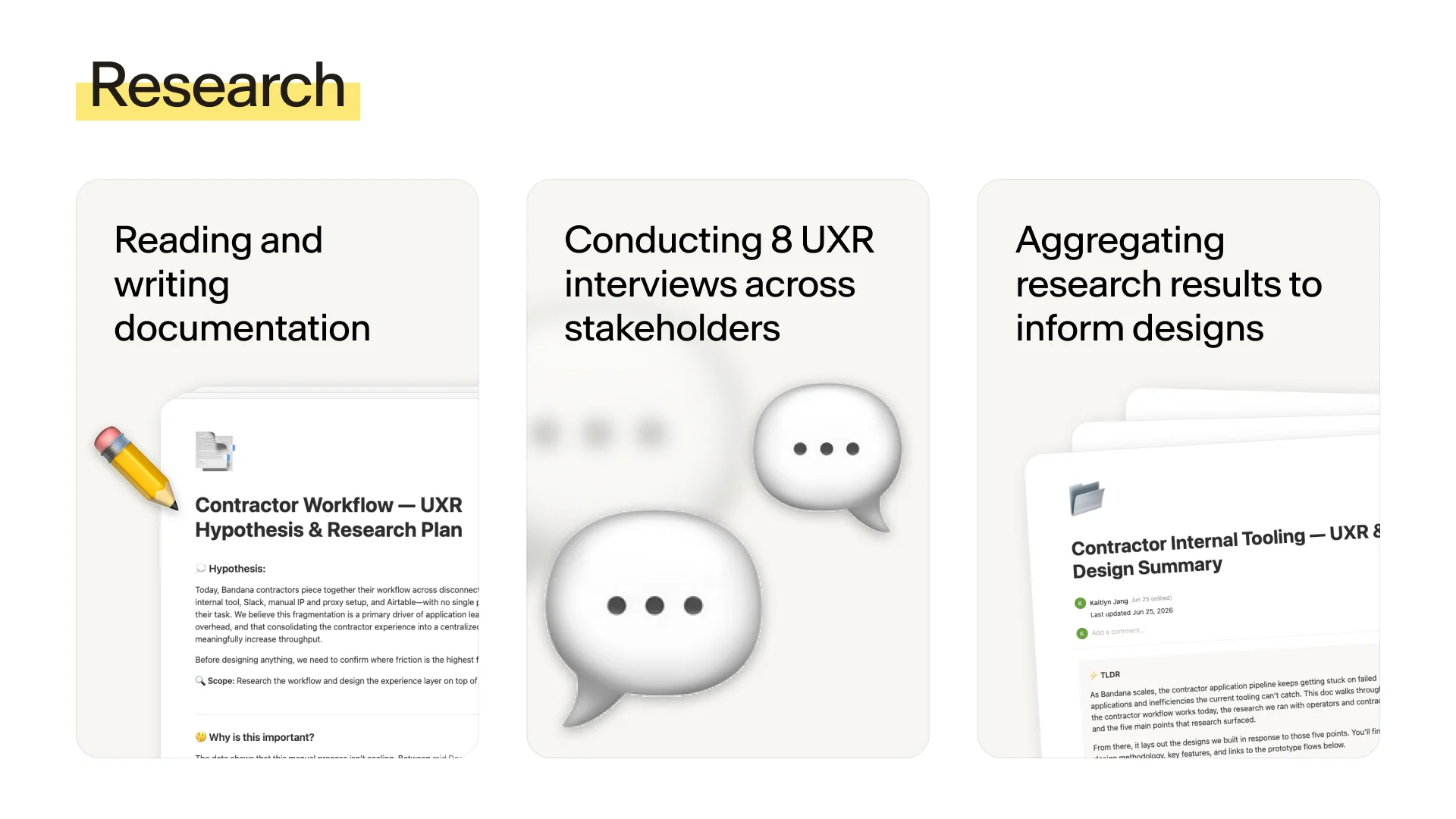
I interviewed 8 people (3 operators and stakeholders, and 5 contractors) to map both workflows end to end.
Five problems stood out
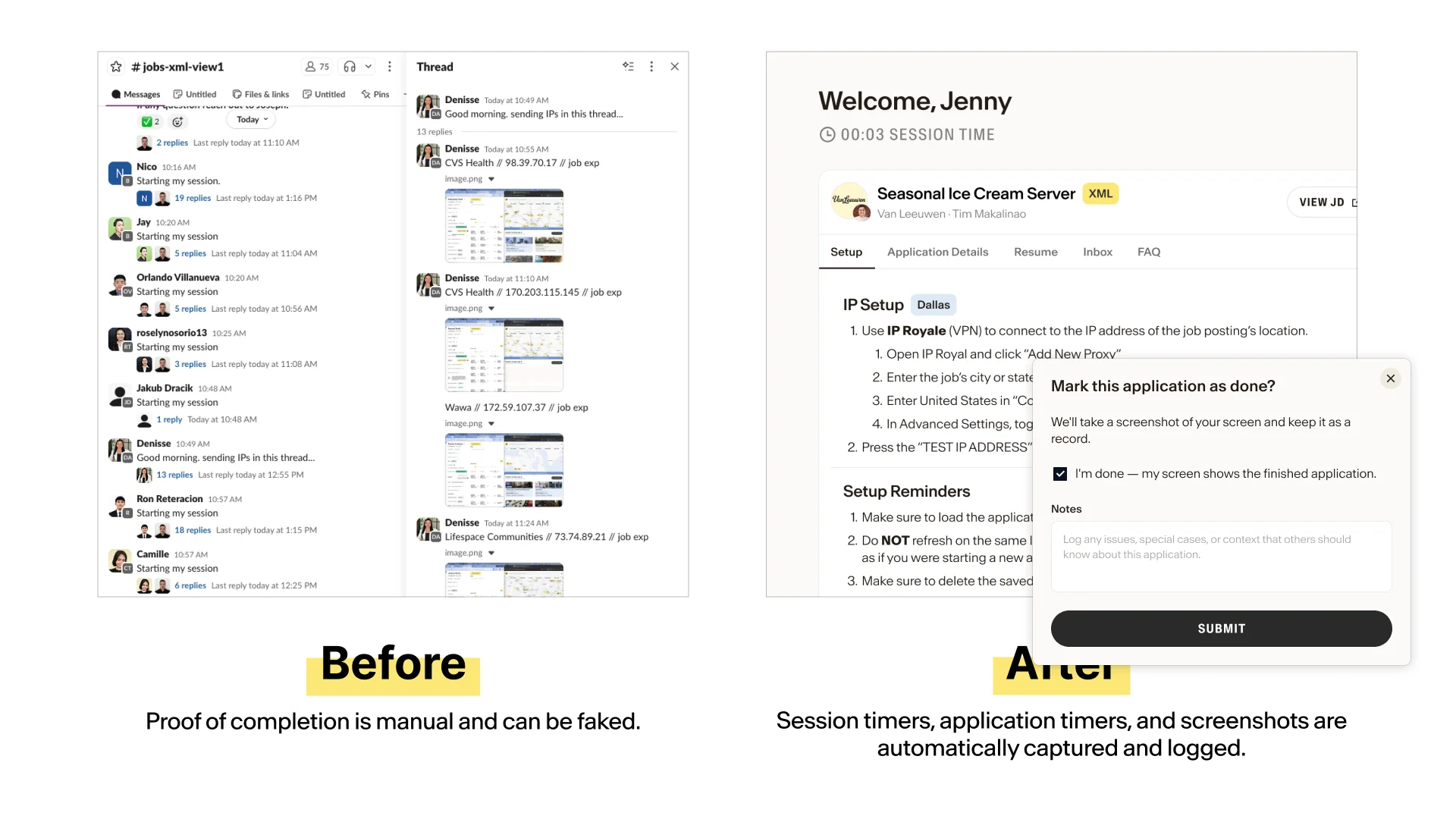
Proof of completion is manual and easily faked.
“There have been many abnormalities about hours reporting… someone is trying to lengthen their time, not really doing postings every minute—instead of sending every minute, they send one every 30 minutes… those rules are implemented, however, they do not really stop the fraudulent time reporting later on.”
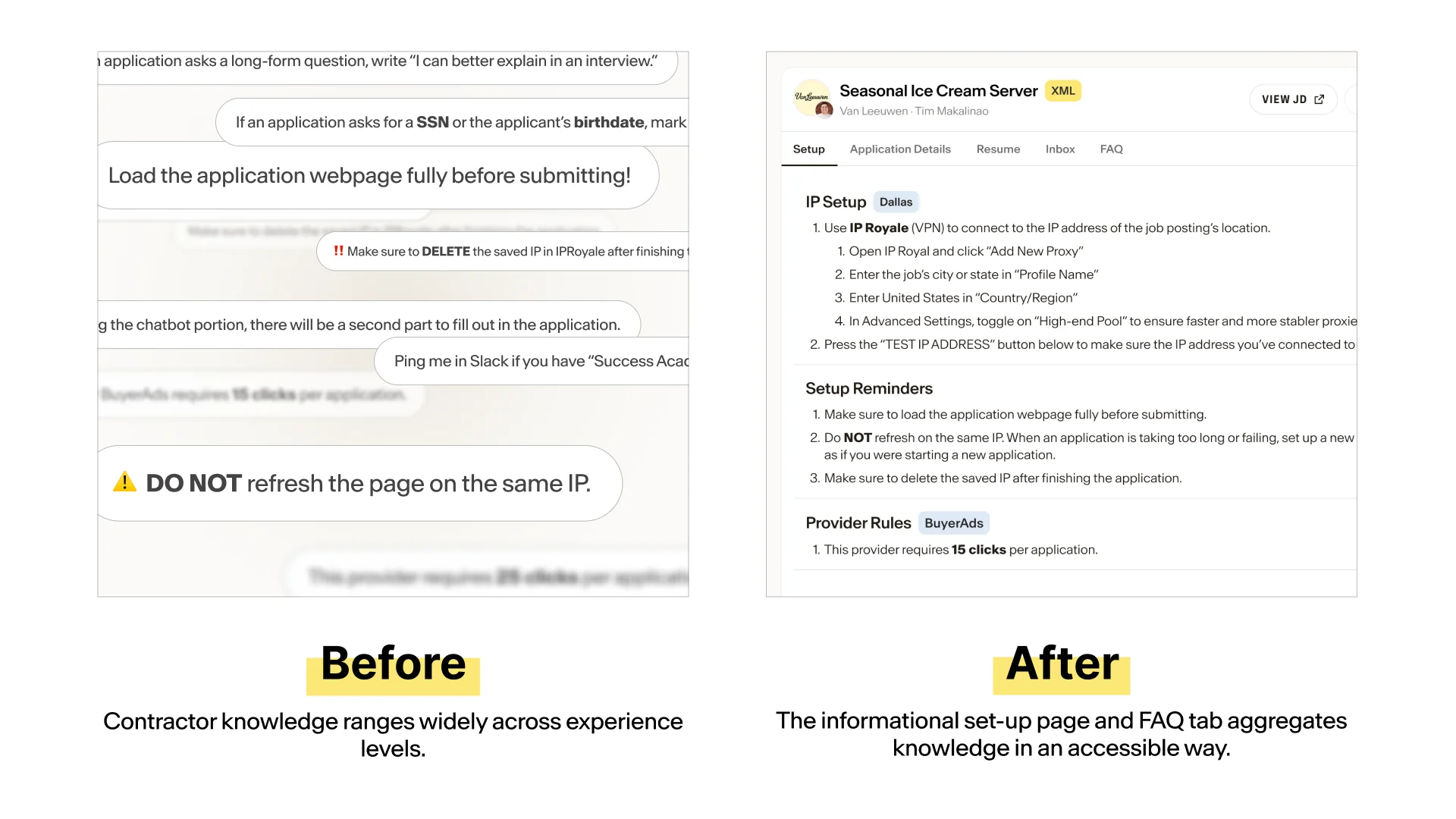
Keizel, Contractor Contractor knowledge ranges widely across experience levels.
“New updates are impromptu. New Contractors have a harder time being onboarded.”
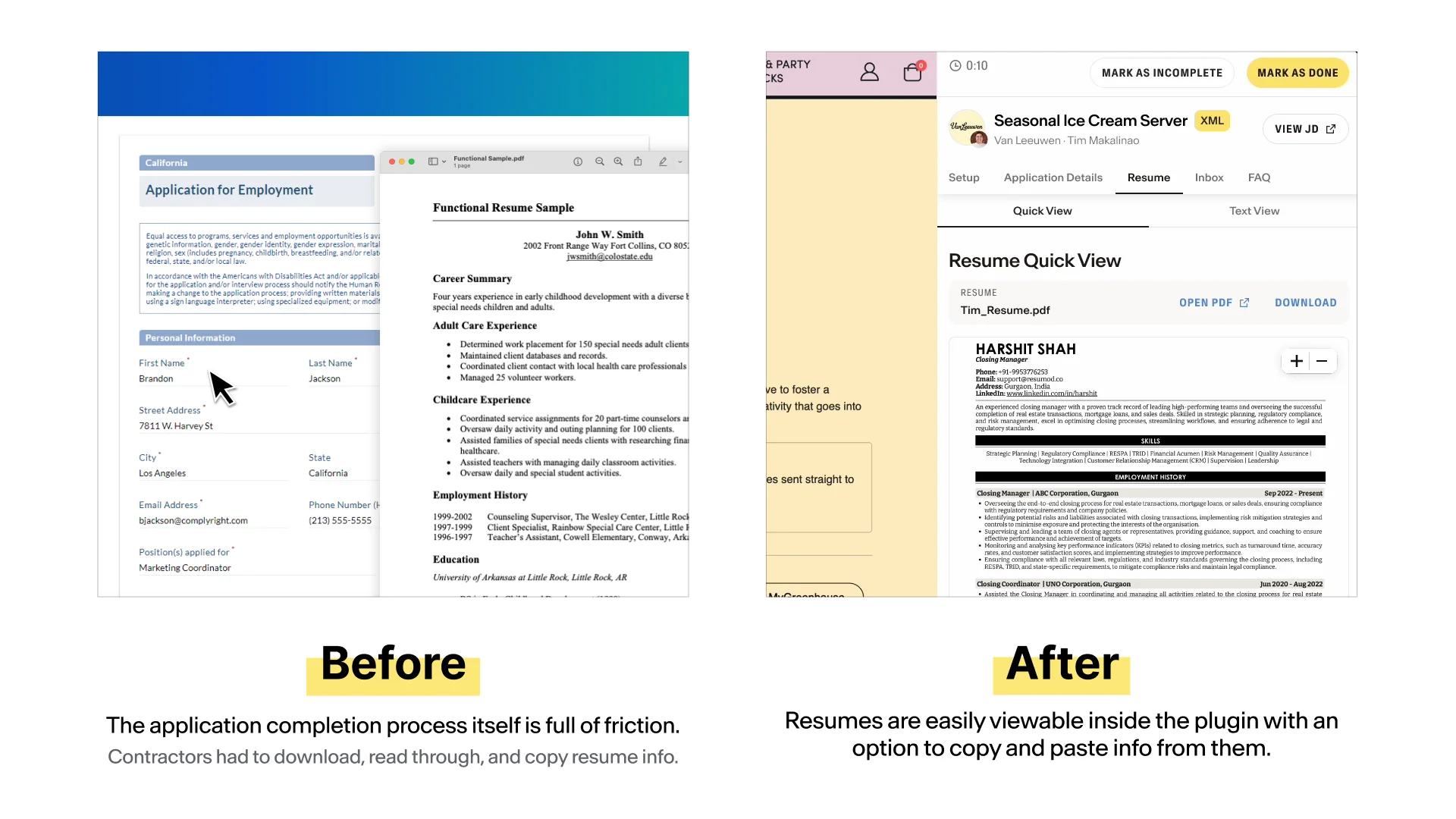
Keizel, Contractor The application completion process itself is full of friction.
“There’s really a lot of windows open, and sometimes, it leads to mistake, especially from copying the IP address from IP lookup, pasting everything.”
John Joseph, Contractor Application failures are invisible — the current process masks them.
“There’s not a uniform alignment whether an application is successful or not... different contractors have different knowledge as to whether the application is actually submitted or it’s just in the initial level of questioning.”
Keizel, Contractor Manual assignment is the central bottleneck, and it causes delays on both sides.
“…the adding jobs part… because yeah, sometimes [David & Joseph] are busy as well.”
Orland, Contractor
Contractor portal + extension
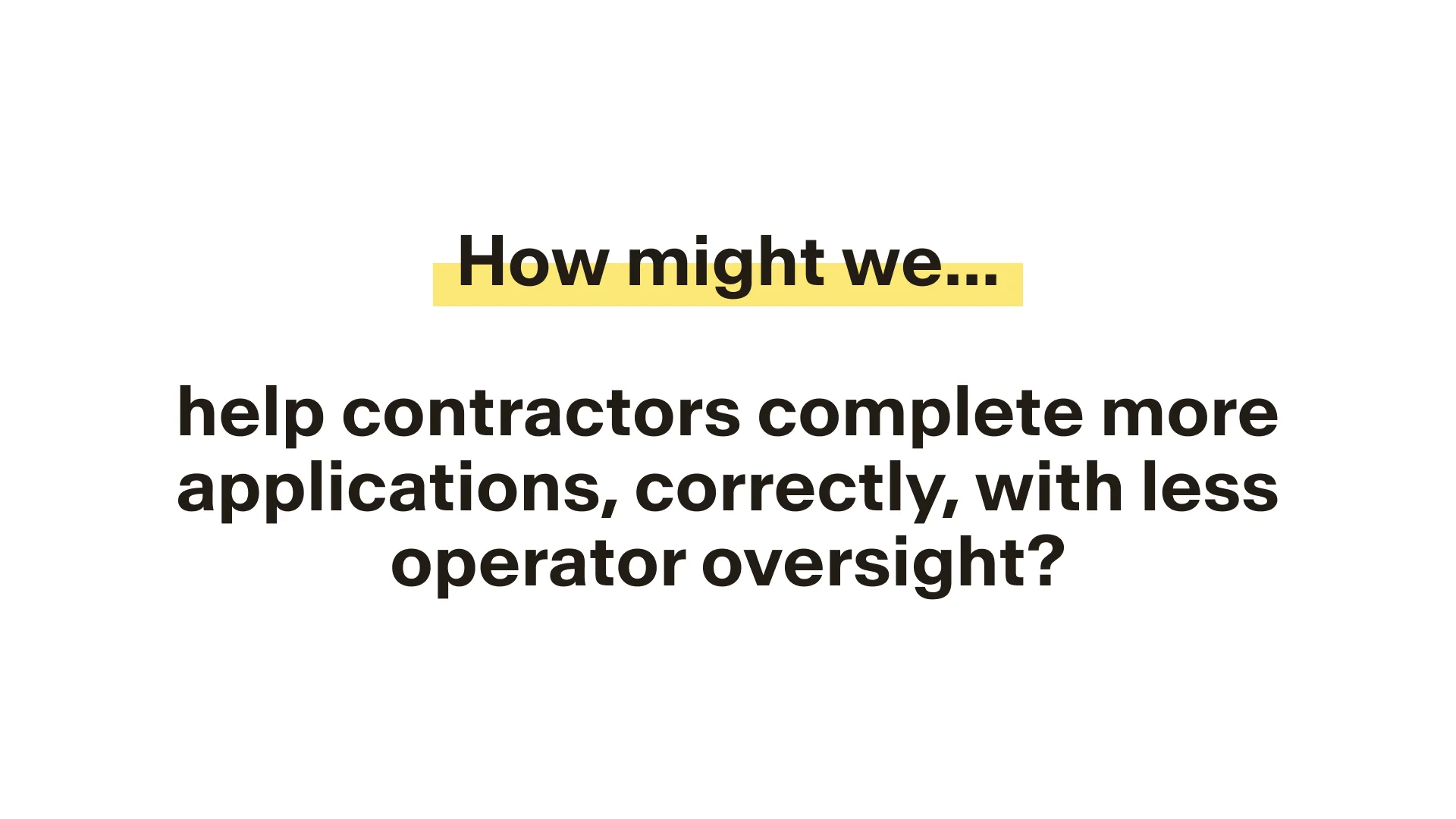
| Problem | What I designed |
|---|---|
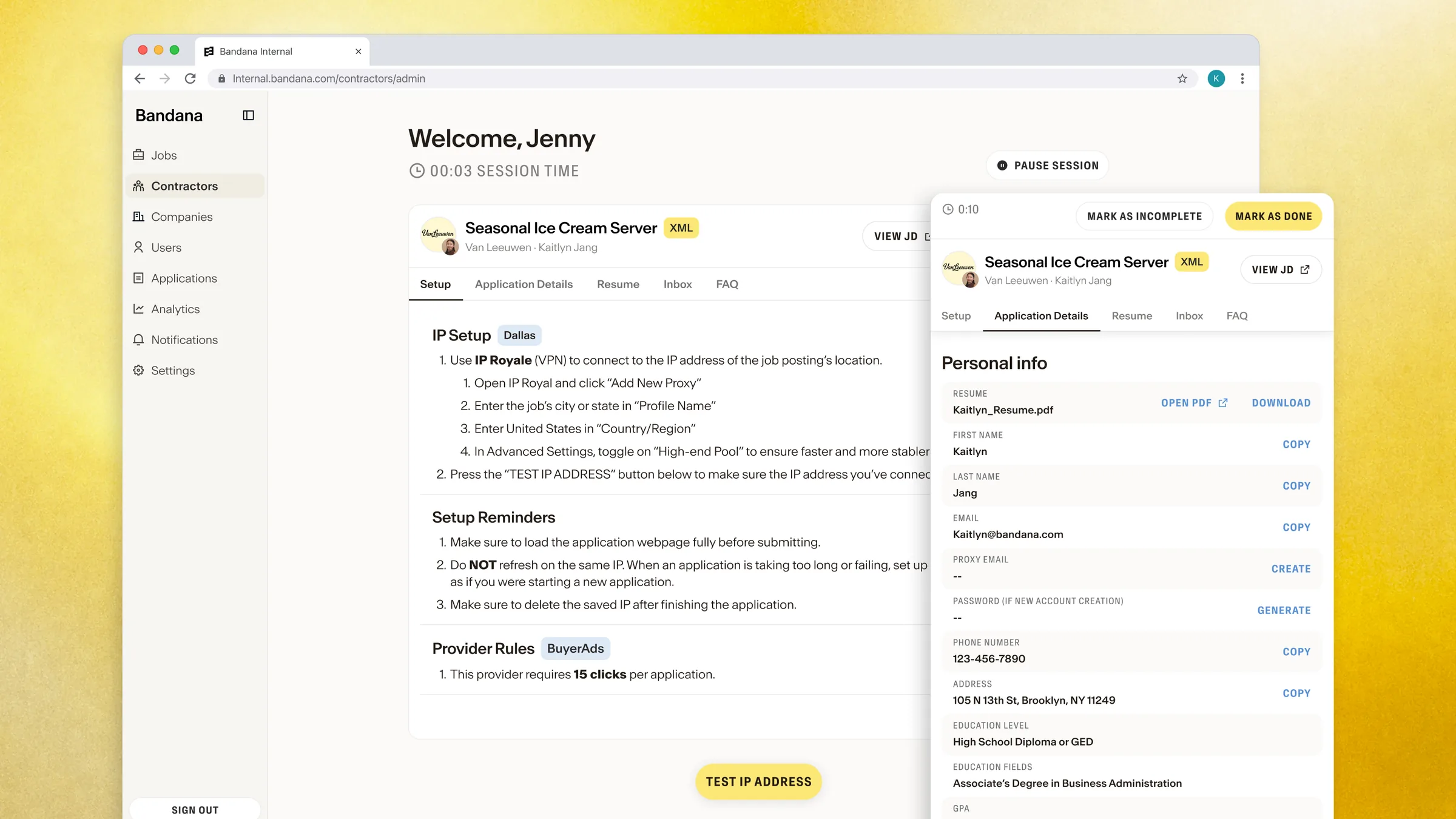
| Too many tabs | One flow, with the job, IP details, applicant info, and resume docked beside the employer’s page |
| Resumes slowed applications down | A resume panel with a quick view and a copyable text view |
| Knowledge lived in Slack | A setup tab and FAQ that gather the rules in one place |
| Proof of completion was easy to fake | Session and application timers, plus an automatic screenshot when an application is marked done |
| Failures were invisible | Clear outcomes: mark as done, or mark as incomplete with a reason |
Key decisions
- The application timer can’t be paused. XML contractors are paid hourly, so time ties directly to pay.
- A new contractor should finish an application correctly without asking for help, and a veteran shouldn’t be slowed down by the beginner experience.
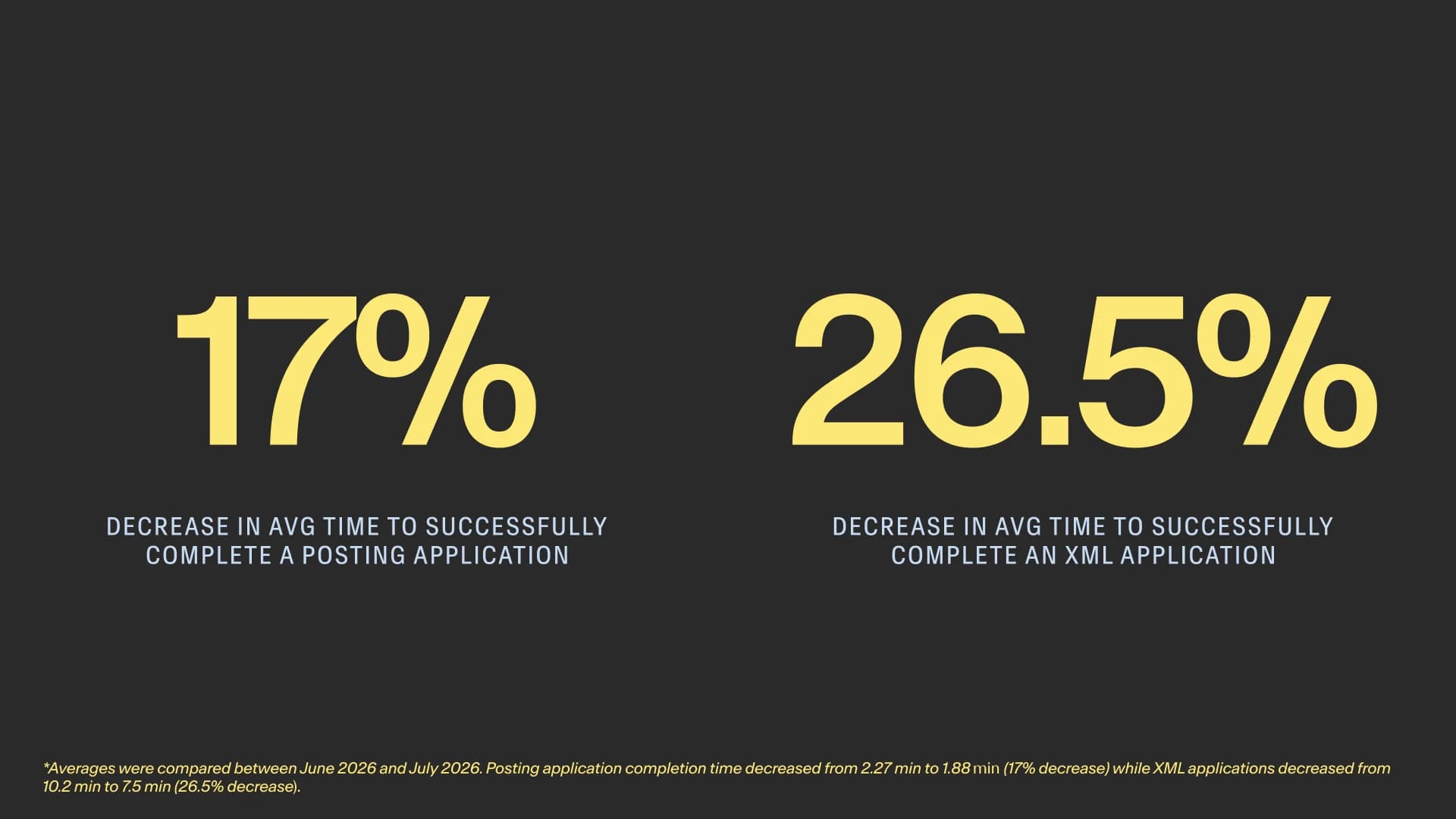
In testing, contractors completed applications 17% faster for postings and 26.5% faster for XML.
| Lane | Before (June) | After (July) | Time saved | More applications per shift |
|---|---|---|---|---|
| Posting | 2.27 min | 1.88 min | 17% | ~20% |
| XML | 10.2 min | 7.5 min | 26.5% | ~36% |
Two early testers completed 329 posting applications at about 50 seconds each, with a 93% success rate, and 218 at about 1.5 minutes, with an 87% success rate.
More applications per shift means fewer expired jobs and a lower cost per XML application. Hours and proof of completion are now captured automatically, and failed applications are logged with a reason, so the failure rate can finally be measured.
Contractor testimonials also resonated with the new workflow changes.
Martin “Really like the interface, minimalistic and easy to operate in. When you are in an application, the bar on the right is really easy to find information you need about a user.”
 Marco
Marco“The new workflow is so much smoother than before because all the information is displayed on the side of the screen. This makes it easier to navigate and help reduce mistakes. Overall, it’s a significant improvement over the previous interface/internal system we used.”
 Cathrina
“[The new contractor workflow] is much easier and quicker to navigate now. I like that it’s straightforward and almost all info are there already.”
What I’d carry forward
- Product sense comes from asking. Much of the process wasn’t written down, so I learned to ask “dumb” questions early and find the right people.
- Startups don’t move in straight lines. Requirements changed often, so I learned to scope tightly and iterate without getting attached.
- Designers advocate for users. Bringing contractors’ own words to engineering helped me defend decisions, and adjust them when needed.
Other work from the summer